










Digital Photo Prints Explained: What They Are and How to Get the Best Quality

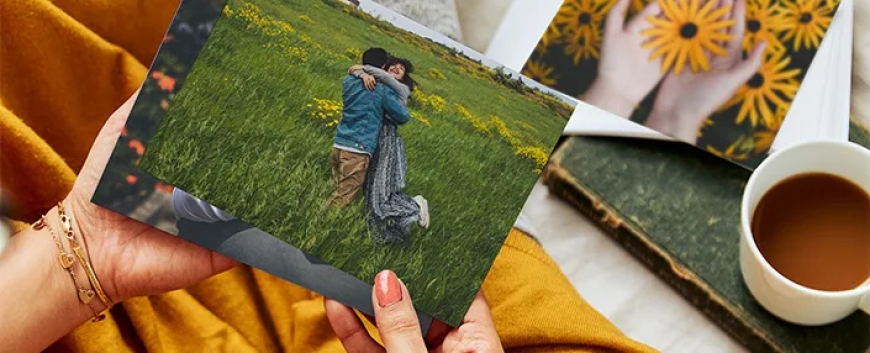
In todays digital-first world, our phones and cameras are filled with moments that deserve more than just a swipe. Whether its a family portrait, travel memory, or artistic capture, turning digital images into tangible art is both timeless and rewarding. Thats whereDigital Photo Prints come in.
But what exactly are digital photo prints, and how can you ensure you're getting the best possible results? Here's a breakdown of what you need to knowespecially if you're in the U.S. or urban markets like New York, where presentation and print quality really matter.
1. What Are Digital Photo Prints?
Digital photo prints are physical reproductions of digital images using printers specifically designed for photo reproduction. These can be printed on various types of paper such as glossy, matte, satin, or even fine art paper.
Unlike older analog methods, digital photo printing uses high-resolution image files and advanced ink or dye-based printers to achieve sharp, vibrant, and true-to-color results.
Bottom line: Its a modern, convenient way to bring your digital memories to life.
2. Types of Printing Techniques Used
To get high-quality photo printing, the technology behind the print process matters. Common methods include:
-
Inkjet Printing: Ideal for photographers and artists looking for depth and detail. It uses tiny ink droplets to recreate vibrant images with smooth gradations.
-
Dye-Sublimation Printing: Often used in photo kiosks or instant prints. It produces smooth colors but may not offer the same longevity as inkjet.
-
Laser Printing: Quick and cost-effective, but generally better suited for text and documents than photos.
For best results, choose labs or services that specialize in photo-specific inkjet printing, particularly for art or professional-grade images.
3. Choosing the Right Paper for Your Prints
The paper you select can dramatically affect the look and feel of your photo. Here are the main types used in digital photo prints:
-
Glossy: Offers vibrant colors and sharp details, but may show fingerprints and glare.
-
Matte: Provides a soft, non-reflective finishgreat for black-and-white or subtle tones.
-
Lustre/Satin: A popular hybrid that balances shine with durability.
-
Fine Art or Archival Paper: Used for gallery-level prints, this paper enhances color fidelity and is designed to last decades.
In cities like New York, where design and presentation matter, fine art papers are becoming a top choice for interiors and portfolios.
4. Image Resolution: Why It Matters
To achieve high-quality photo printing, start with the right resolution. A general rule is to aim for 300 DPI (dots per inch) at the final print size.
Heres a simple size guide:
-
4x6 print: At least 1200x1800 pixels
-
8x10 print: At least 2400x3000 pixels
-
16x20 print: At least 4800x6000 pixels
Avoid using low-resolution images pulled from social media, as they are often compressed and may appear pixelated when enlarged.
5. Color Profiles and Editing for Accuracy
Before printing, make sure your image is edited in the correct color profile, typically sRGB or Adobe RGB. These profiles ensure that colors are displayed accurately from screen to print.
Pro tip: Calibrate your monitor so what you see on screen matches the printed result. Editing software like Adobe Lightroom or Photoshop allows for fine adjustments that improve final print quality.
6. Where to Print: Online vs. Local Options
In the U.S., there are countless ways to print your photos. You can:
-
Visit a local print lab or photo shop: This is great if you want to see paper options in person or need help with sizing and color.
-
Use online printing services: Many offer easy uploads, custom sizes, and delivery right to your door.
While online services are convenient, local printers can provide more personalized serviceespecially in urban centers like New York where craftsmanship and visual quality are key.
7. How to Ensure the Best Results
Here are a few tips to get high-quality photo printing every time:
-
Use original image files instead of screenshots or compressed versions.
-
Avoid over-editing (too much contrast or saturation can distort the print).
-
Check crop and bleed areasespecially if youre ordering frames or borderless prints.
-
Always preview the final layout before submitting your order.
Final Thoughts: Bringing Digital to Life
Whether you're printing wedding photos, art pieces, or Instagram favorites, digital photo prints are a powerful way to preserve and showcase your visual stories. With the right tools and attention to detail via Baboo Digital in New York, you can create stunning prints that last for years.
From choosing the perfect paper to ensuring your image file is print-ready, investing in quality pays offespecially in homes and galleries where presentation is everything.
No matter your style or space, digital photo prints remain a beautiful and accessible option to turn pixels into unforgettable wall art.